Locking the Database
Locking the Database
In the case where multiple users connect to a common database, it is possible to lock the database of some workstations to prevent users from inadvertently overwriting the changes made by the database administrator.
Note : The database is loaded when Active Takeoff starts. Any changes made to the database on another machine while Active Takeoff is open will only be effective when the software is restarted.
A user can lock the database in the "Tools" menu:
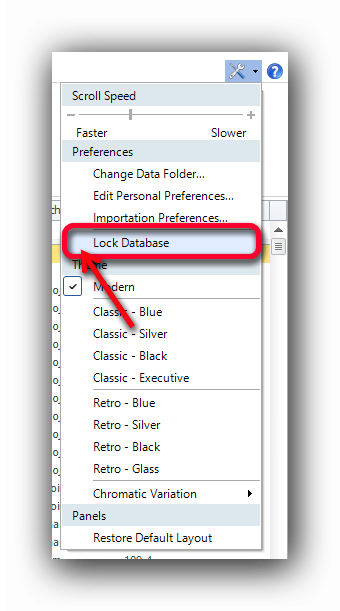
Just click successively on the item "Lock Database" to display or remove the check mark.
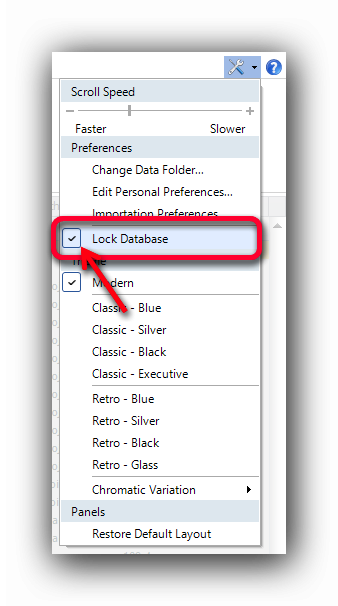
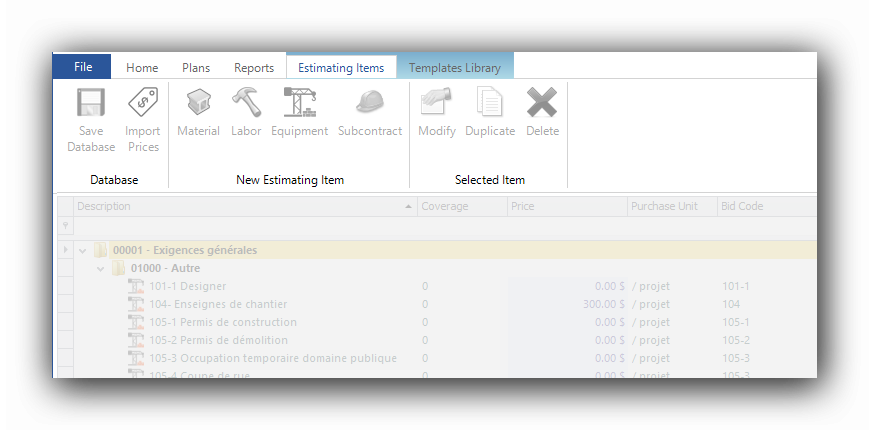
When the check mark is visible, the database is locked:
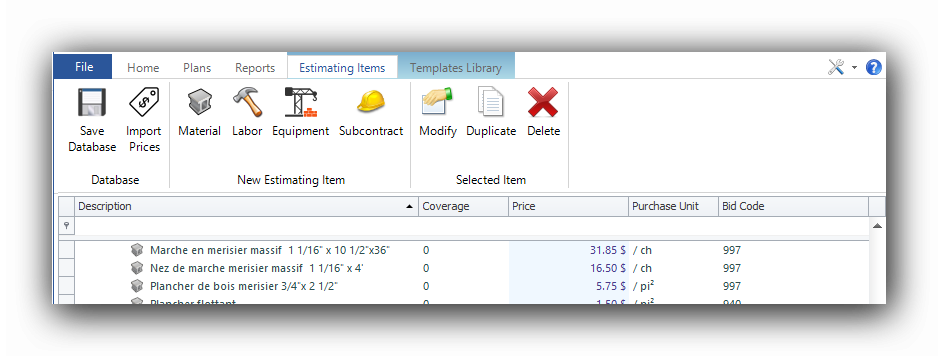
When the check mark is removed, the database becomes accessible to changes.
See also :