Auto Backup feature
Enable / Disable Auto Backup
Controlling the Automatic Backup Function
The Automatic Backup Function can be turned ON or OFF in the System Tools menu.
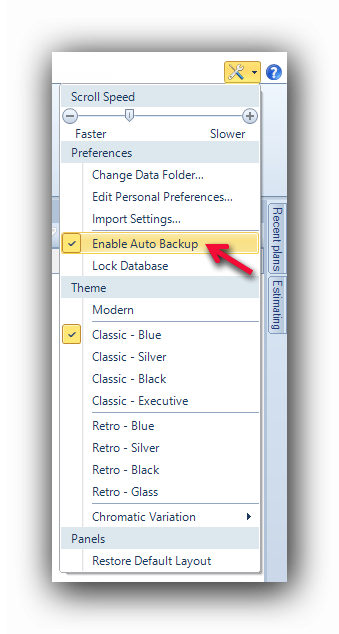
When the "Enable Auto Backup" line is checked, a backup copy of the open project will be performed every 5 minutes. If the line is not checked, the save function will have to be performed manually with the "Save" button.
See also :