Quick Measures
The Quick Measures
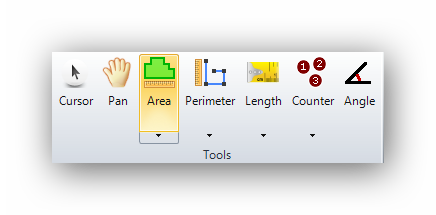
The "Quick Measure" tools allow you to measure an object on the plan without creating a group. This is a temporary measurement for informational or verification purpose only. Once the quick measurement is taken, the result will be displayed and will disappear as soon as the "OK" button is clicked.
Quick measurements are available for the Area, Perimeter, and Length tools.
To access them, the user must hold down the left CTRL key on the keyboard and click on the icon of the appropriate tool (Area, Perimeter, or Length).

For the "Area" tool, the cursor will turn orange. : 
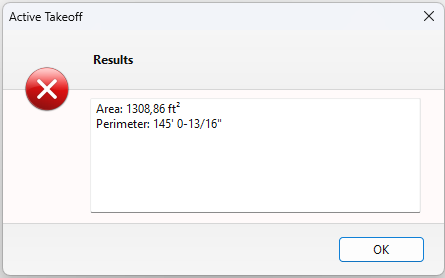
Once the quick area has been measured, the area and perimeter will be displayed :
For the "Perimeter" tool, the cursor will turn orange : 
Once the quick perimeter has been measured, the perimeter will be displayed :
For the "Length" tool, the cursor will turn orange : 
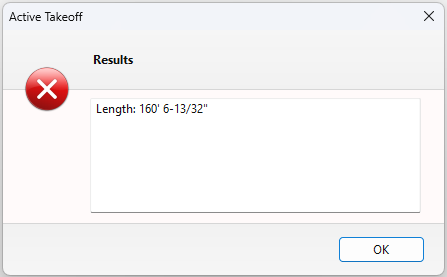
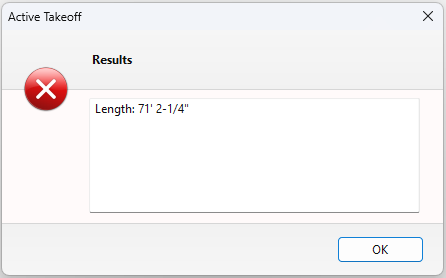
Once the quick length has been measured, the length will be displayed :
See also :